Mini Militia for PC Download – Windows Setup Guide (2026)
Mini Militia is an Android multiplayer game. To play it on Windows, you need a compatible Android emulator and the Mini Militia Mod APK. Version 5.6.0 runs inside the emulator and is not a native Windows installer. Performance and available features depend on the APK, emulator, computer hardware, and settings.
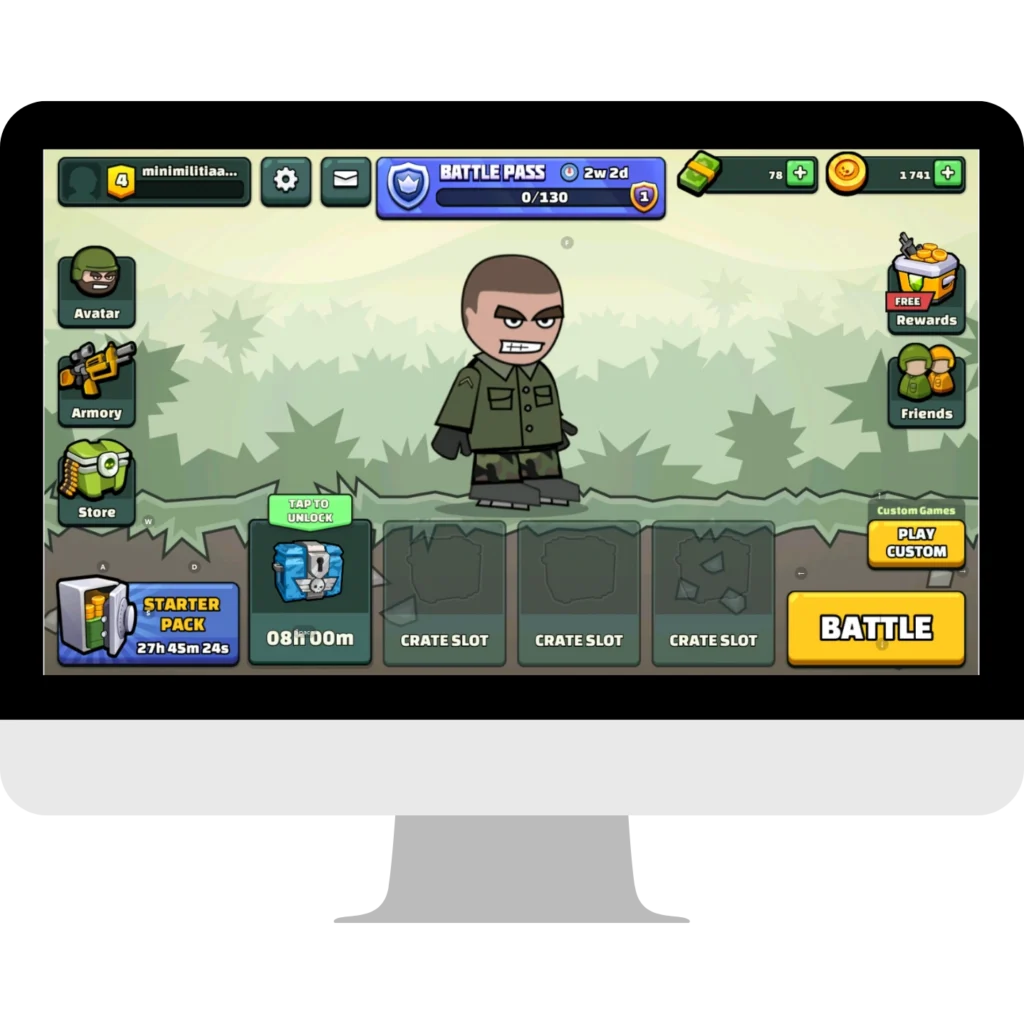
Why Play Mini Militia on PC?
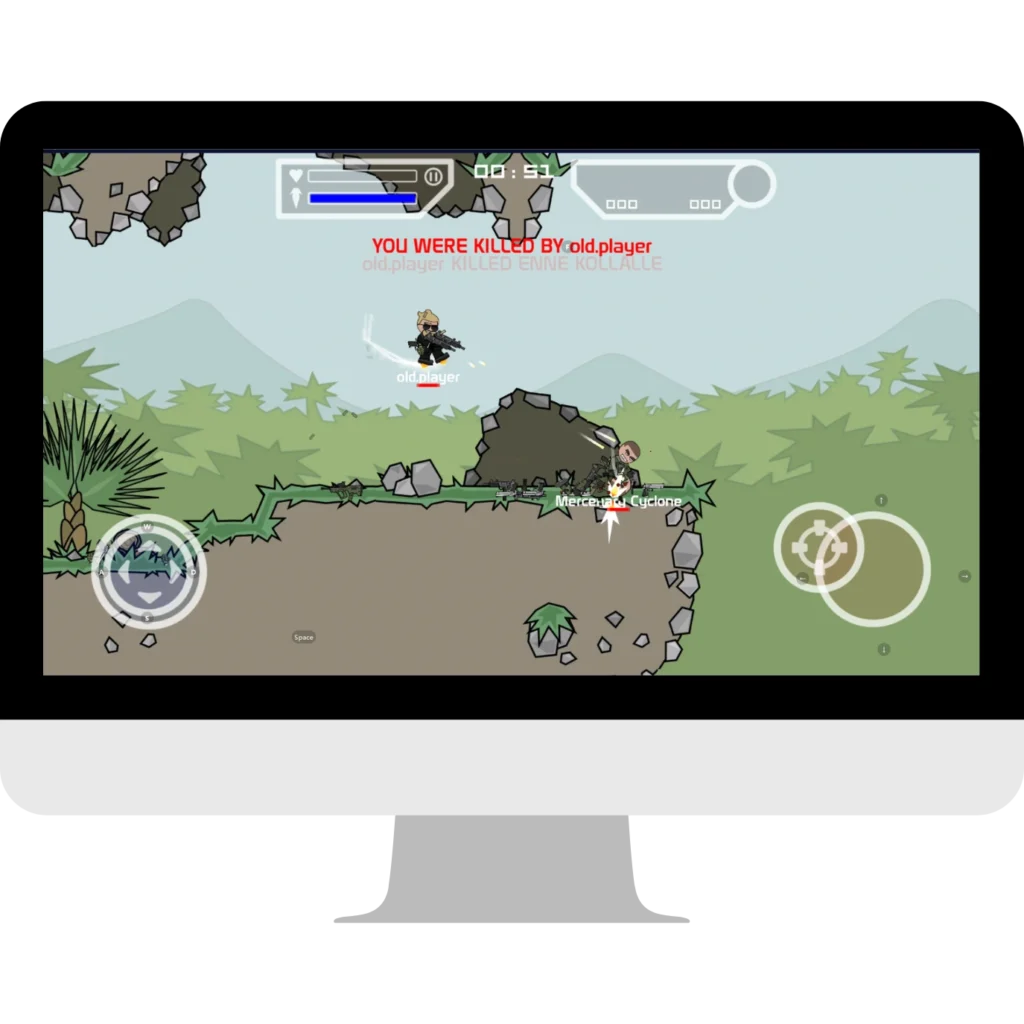
Playing Mini Militia on a PC can provide a larger display, keyboard mapping, and more comfortable controls. Actual resolution, frame rate, multiplayer stability, and input response depend on your computer hardware, emulator version, graphics settings, and internet connection.
Benefits of Playing on PC
- Larger Display – Use a bigger screen for improved visibility; available resolution depends on your settings.
- Performance Options – Adjust resolution, frame rate, and graphics settings according to your hardware.
- Keyboard & Mouse Controls – Play with faster reactions and better precision than touchscreen controls.
- No Battery Issues – Enjoy long gaming sessions without worrying about battery drain or overheating.
- Flexible Setup – Customize controls and emulator settings to suit your computer.
For Android details, visit our Mini Militia Mod APK guide. iPhone and iPad users can read the Mini Militia for iOS guide.
System Requirements
The requirements below are general estimates. Exact requirements vary by emulator version and configuration:
Component | Minimum | Recommended |
OS | Windows version supported by the emulator | Windows 10/11 (64-bit recommended) |
Processor | Intel i3 or AMD equivalent | Intel i5 or higher |
RAM | 4 GB | 8 GB |
Storage | 5 GB free space | 10 GB free |
Graphics | Integrated GPU | Dedicated GPU for HD play |
Download Mini Militia for PC (v5.6.0)
To download and play this game on your PC, you only need two things: the latest Mini Militia Mod APK and an Android emulator. Follow the guide below for a simple setup.
Recommended Emulators
- BlueStacks 5 – Best for high performance and advanced key mapping.
- LDPlayer – Lightweight option for low-end computers.
- NoxPlayer – Stable, user-friendly, and great for smooth gameplay.
Best Emulator Settings for Smooth Gameplay
- Set DPI between 160–240 for ideal scaling.
- Choose 1280×720 resolution.
- Enable High-Performance Mode in Windows.
- Update graphics drivers and close background apps.
Test both DirectX and OpenGL for best FPS.
How to Install Mini Militia for PC – Step-by-Step Guide
Installing Mini Militia for PC is simple with a trusted Android emulator. We recommend using BlueStacks or LDPlayer for the best gaming performance on Windows.
- Download and install BlueStacks or LDPlayer on your Windows PC.
- Launch the emulator and complete the initial setup.
- Optimize the emulator for better performance:
- Allocate 2–4 GB RAM
- Enable Virtualization (VT) from BIOS
- Select DirectX or OpenGL graphics mode
- Download the Mini Militia for PC APK from this page.
- Drag and drop the APK into the emulator or click the Install APK option.
- Configure your keyboard and mouse using the emulator’s key-mapping feature.
- Launch the game and enjoy smooth gameplay with better controls, improved accuracy, and stable performance.
Compatibility depends on your chosen emulator. Check its official system requirements before installation, especially on older Windows versions.
Mini Militia Mobile vs PC Comparison
| Feature | Mobile Version | PC via Emulator |
|---|---|---|
| Screen Size | Phone or tablet display | Larger monitor |
| Controls | Touch controls | Keyboard and mouse mapping |
| Performance | Depends on mobile device | Depends on PC and emulator |
| Battery | Uses mobile battery | No mobile battery drain |
| Setup | Native Android installation | Android emulator required |
| Graphics | Device-dependent | Hardware and settings-dependent |
| Multiplayer | Supported modes vary | Compatibility may vary by emulator |
Tips for Better Gameplay
- Use a wired connection or stable Wi-Fi to help reduce lag.
- Adjust your key mapping for shooting, reloading, and jetpack.
- Play training mode to improve accuracy.
- Join LAN matches for fun with friends.
- Always download from trusted sources to avoid fake mods.
Pros & Cons of Playing on PC
Safety & Legal Note
No third-party APK can be guaranteed risk-free. Verify the file source, scan it with a reputable security service such as VirusTotal, and review requested permissions before installation. Mini Militia is published by Miniclip; this independent guide is not affiliated with the official publisher.
FAQs
Conclusion
Mini Militia v5.6.0 can be played on a Windows PC through a compatible Android emulator. A larger display and configurable keyboard controls may improve usability, while actual performance depends on your hardware, emulator, settings, and internet connection. Follow the installation and safety steps above before using the APK. iPhone and iPad users can read our Mini Militia for iOS guide.
Article Information
| Information | Details |
|---|---|
| Last Updated | September 20, 2026 |
| Current Version | Mini Militia v5.6.0 |
| Platform | Windows (via Android emulator) |
| Article Type | Installation & Download Guide |